Responsive Design Checker
In this digital age, it is important that your website is responsive – that is, it adapts to different screen sizes, from mobile devices to large monitors. A responsive website looks good on any device, providing an optimal viewing experience for the...
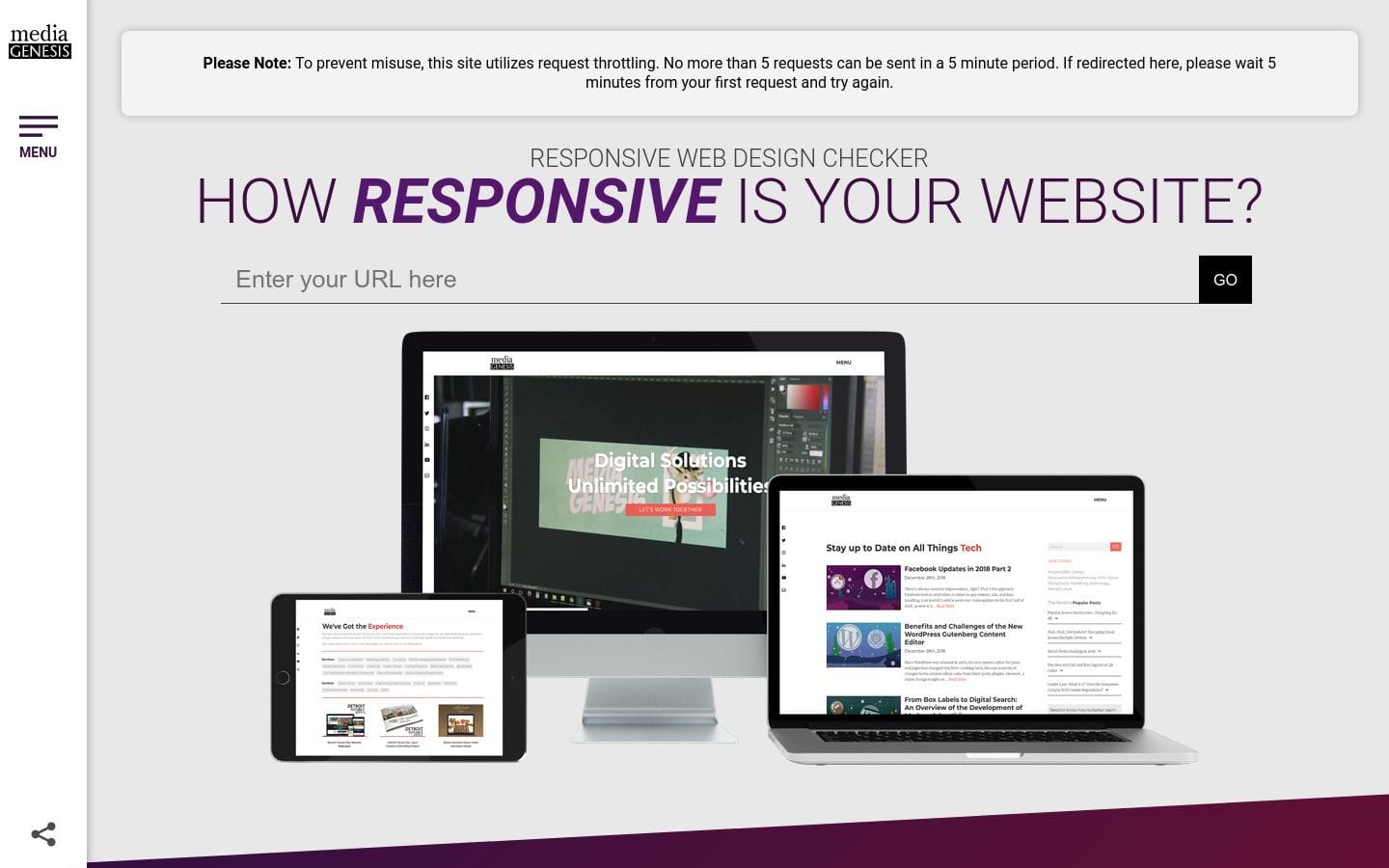
Responsive Design Checker
In this digital age, it is important that your website is responsive – that is, it adapts to different screen sizes, from mobile devices to large monitors. A responsive website looks good on any device, providing an optimal viewing experience for the user.
One way to check how responsive your website design is, is to use the Responsive Design Checker.
This free online tool will help you test if your website fits and adapts to mobile, tablet, and desktop screen sizes.
To use the Responsive Design Checker, simply enter the URL of your website into the text field on the homepage.
Then, click the “Check Now” button.
The tool will then display how your website looks on different screen sizes.
Below the screen shots of your website on different devices, the Responsive Design Checker will also provide a report on how well your website is designed for different screen sizes.
The report will rate your website design on a scale of one to five, with one being the poorest and five being the best.
If your website design is not responsive, or if it rates poorly on the Responsive Design Checker, don’t worry – there are ways to improve your website’s responsiveness.
One way to make your website more responsive is to use a responsive WordPress theme.
A responsive WordPress theme will automatically adapt to different screen sizes, providing an optimal viewing experience for the user.
There are also a number of responsive design plugins for WordPress that can help you make your website more responsive.
Some popular responsive design plugins include WP Responsive Menu, Max Mega Menu, and WPtouch.
If you are not using WordPress, you can also use a responsive design plugin for your website’s platform.
Some popular responsive design plugins for non-WordPress websites include Media Queries, Adaptive Images, and Respond.
If you are not using a responsive WordPress theme or plugin, or if your website is not responsive at all, it is important to make the necessary changes to make your website more compatible with different screen sizes.
Making your website responsive is not only important for providing an optimal viewing experience for the user, but it is also important for SEO.
A responsive website is more likely to rank higher in search engine results pages (SERPs), providing more visibility for your website.
The Responsive Design Checker is a free online tool that will help you test how responsive your website design is.
The tool will rate your website design on a scale of one to five, with one being the poorest and five being the best.
If your website design is not responsive, or if it rates poorly on the Responsive Design Checker, there are ways to improve your website’s responsiveness.
One way to make your website more responsive is to use a responsive WordPress theme.
If you are not using WordPress, you can also use a responsive design plugin for your website’s platform.
About Us

Aslam.ai
Aslam.ai is the world's best curated list of the tools on the internet. Whether you're looking for a new AI tool, reviews, news, We're here.


Latest Comments 0 Responses