Split Tabs
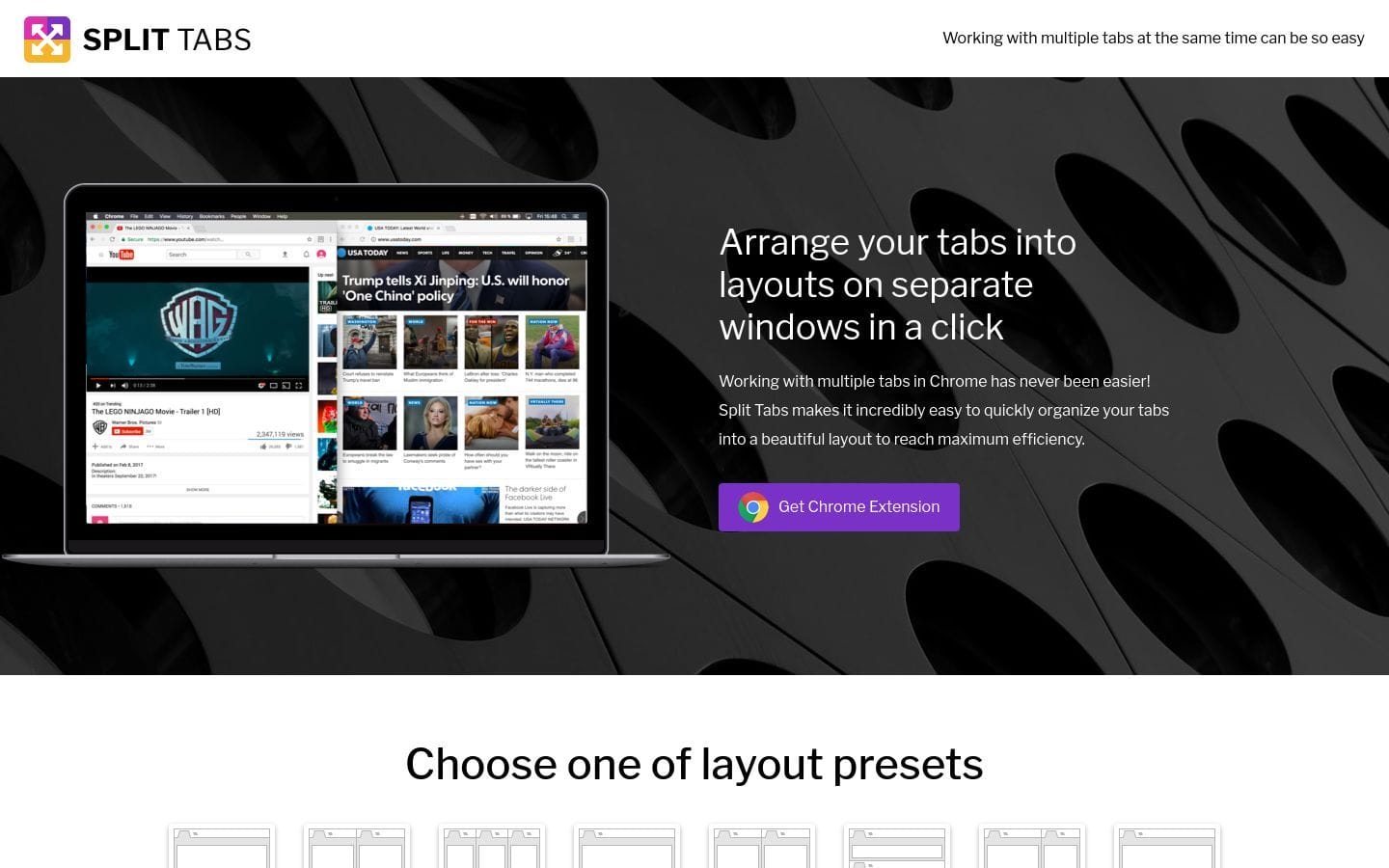
Split Tabs is a new Tab extension for Google Chrome that lets you easily split your screen into separate Tabs with ease. You can resize opened tabs right into layouts on separate windows with multiple displays support. This is really handy if you are...
Split Tabs
Split Tabs is a new Tab extension for Google Chrome that lets you easily split your screen into separate Tabs with ease. You can resize opened tabs right into layouts on separate windows with multiple displays support.
This is really handy if you are working on a project with multiple parts and want to keep them all organized.
To use Split Tabs, simply install the extension from the Chrome Web Store and then open up a few tabs.
You will then see a new icon in the upper right corner of your Chrome window.
Click on this icon and then select the layout you want for your Tabs.
There are a few different layouts to choose from, including a 3-Tab layout, a 4-Tab layout, a 6-Tab layout, and an 8-Tab layout.
You can also create your own custom layout.
Once you have selected a layout, you can drag and drop the Tabs around to change the order.
You can also resize the Tabs by dragging the corners.
If you want to move a Tab to a different window, just drag and drop it to the window you want.
Split Tabs also supports multiple displays.
If you have a second display, you can drag the Tab window over to the other display.
Overall, Split Tabs is a really handy extension for Chrome that lets you easily split your screen into separate Tabs.
It has a variety of layouts to choose from and it supports multiple displays.
About Us

Aslam.ai
Aslam.ai is the world's best curated list of the tools on the internet. Whether you're looking for a new AI tool, reviews, news, We're here.


Latest Comments 0 Responses