Hours Time Tracking
If you are a freelancer, working on multiple projects at a time, it is important to track the time you spend on each of them. This helps in billing clients accurately and also in maintaining a track of the progress made on each project. There are...
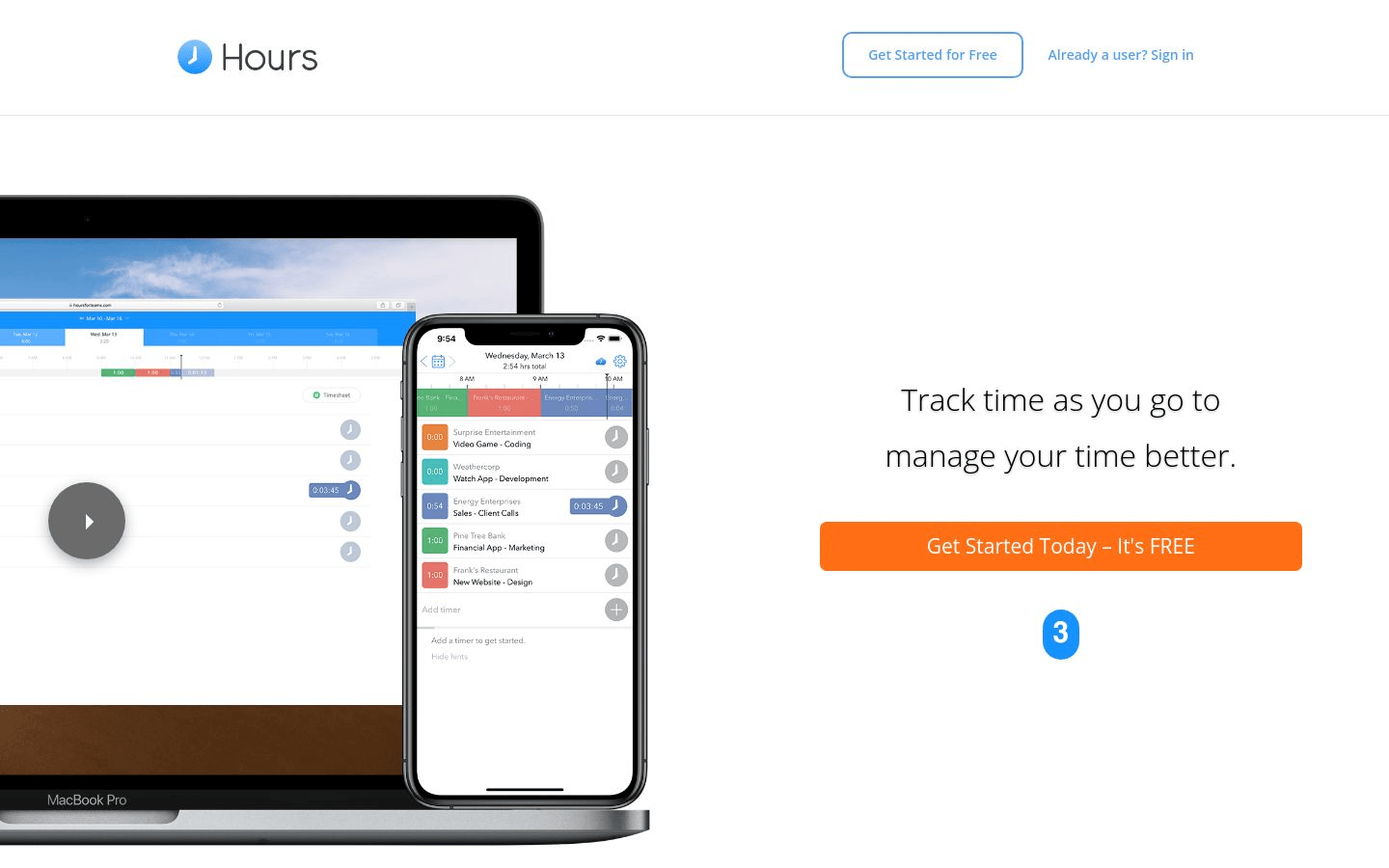
Hours Time Tracking
If you are a freelancer, working on multiple projects at a time, it is important to track the time you spend on each of them. This helps in billing clients accurately and also in maintaining a track of the progress made on each project.
There are several time tracking applications available, but Hours is a great option for freelancers and small businesses.
It is available as a web application and also as an iPhone app.
The web application is easy to use.
You can create projects and add clients and tasks to them.
You can then start tracking time by clicking on the start button next to the task.
The timer will start running and will continue to run even if you leave the page.
You can also pause and resume the timer.
The time tracking data is uploaded to the server automatically and you can access it from the web application or from the iPhone app.
You can also export the data to a CSV file.
The iPhone app is very user-friendly.
It has a simple interface with a list of projects and tasks.
You can start tracking time by clicking on the start button next to the task.
The timer will start running and will continue to run even if you leave the app.
You can also pause and resume the timer.
The time tracking data is uploaded to the server automatically and you can access it from the web application or from the iPhone app.
You can also export the data to a CSV file.
Hours is a great option for freelancers and small businesses who want an easy-to-use time tracking application.
The time tracking data is uploaded to the server automatically, so you can access it from any device.
You can also export the data to a CSV file.
About Us

Aslam.ai
Aslam.ai is the world's best curated list of the tools on the internet. Whether you're looking for a new AI tool, reviews, news, We're here.
-

-

-

-
 2 years ago

Latest Comments 0 Responses