Redirect Path
What is Redirect Path? Redirect Path is an HTTP header and redirect checker for SEOs. It flags up 301, 302, 404 and 500 HTTP Status Codes as well as client side redirects like Meta and Javascript redirects, bringing potential issues that may not o...
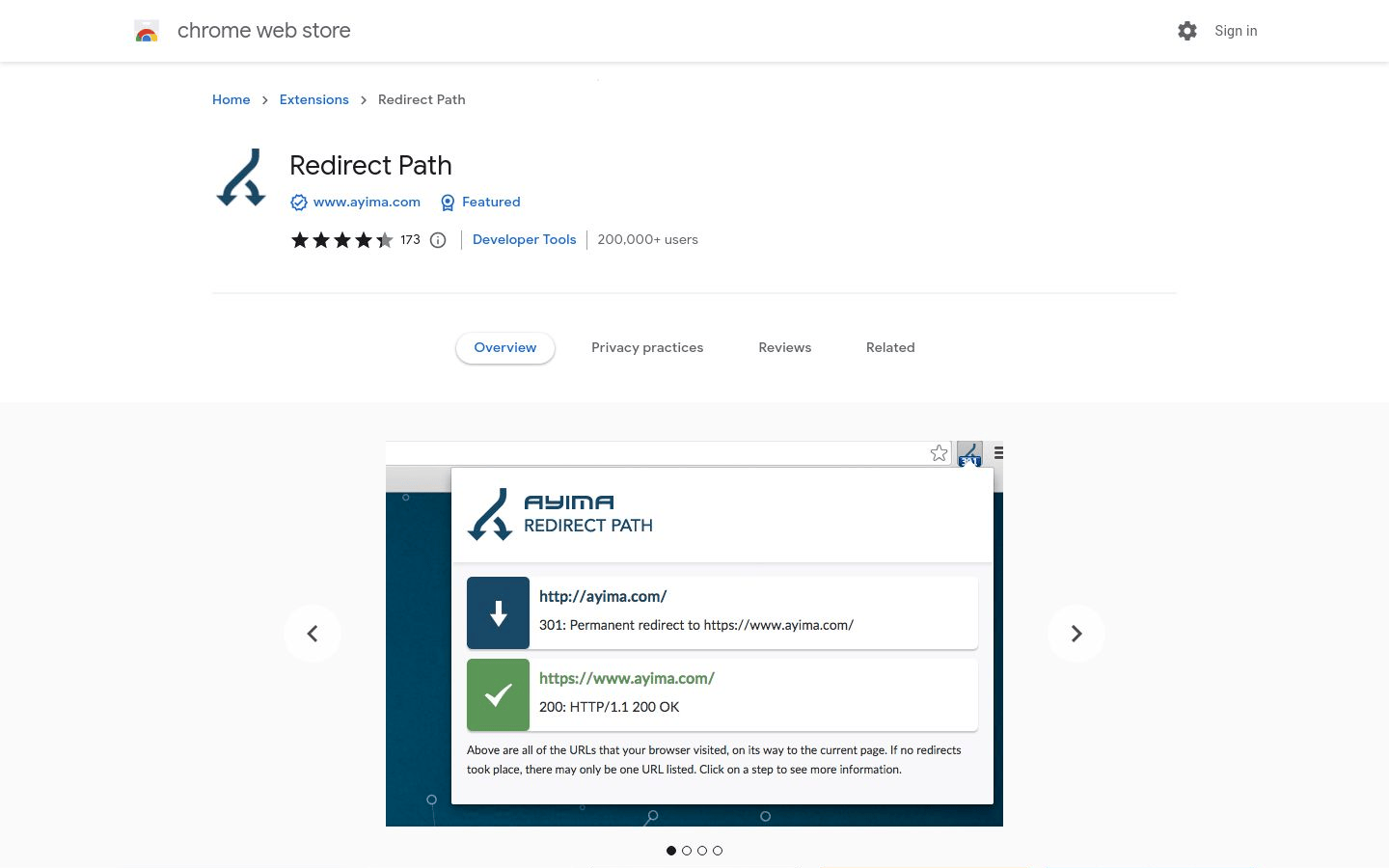
Redirect Path
What is Redirect Path? Redirect Path is an HTTP header and redirect checker for SEOs.
It flags up 301, 302, 404 and 500 HTTP Status Codes as well as client side redirects like Meta and Javascript redirects, bringing potential issues that may not otherwise be seen to your attention immediately.
How Does Redirect Path Work?
When you load a page, your browser sends a HEAD request to the server to ask for the page's headers.
Redirect Path adds an extra header that records the location of any redirects that occur.
This information is then sent back to the server in the HTTP response.
If there are any redirects, Redirect Path will show the status code and the location of the redirect.
This can help you to identify any potential issues with your website's redirects.
Why Use Redirect Path?
Redirect Path can help you to identify and fix any potential issues with your website's redirects.
This can help to improve your website's SEO and user experience.
How to Use Redirect Path To use Redirect Path, you need to install the extension for Chrome or Firefox.
Once you have installed the extension, you can open it by clicking on the Redirect Path icon in your browser's toolbar.
Then, enter the URL of the page that you want to check.
Redirect Path will show you the HTTP Status Code and the location of any redirects.
It will also show you the location of the final destination of the page.
If there are any potential issues with your website's redirects, Redirect Path will show you a warning icon.
You can then click on the warning icon to see more information about the issue.
You can also click on the "details" button to see the full HTTP response.
How to Fix Redirect Path Warnings If you see a warning icon in Redirect Path, you can click on it to see more information about the issue.
You can then click on the "details" button to see the full HTTP response.
This information can help you to identify and fix any potential issues with your website's redirects.
About Us

Aslam.ai
Aslam.ai is the world's best curated list of the tools on the internet. Whether you're looking for a new AI tool, reviews, news, We're here.
-

-

-

-
 2 years ago

Latest Comments 0 Responses