RightInbox
If you’re like most people, you spend a lot of time checking your email. According to the Radicati Group, the average person sends and receives 122 emails per day. That’s a lot of time spent checking and responding to messages! But what if there w...
RightInbox
If you’re like most people, you spend a lot of time checking your email. According to the Radicati Group, the average person sends and receives 122 emails per day.
That’s a lot of time spent checking and responding to messages!
But what if there were a way to make email less time-consuming and more productive?
Enter RightInbox, a tool that helps you get more out of your Gmail account.
With RightInbox, you can: 1.
Schedule emails to be sent at a later time 2.
Create reminders to follow up on emails 3.
Send bulk emails 4.
Track the opening and clicking of your emails Let’s take a closer look at each of these features. 1.
Schedule emails to be sent at a later time One of the best things about RightInbox is that it allows you to schedule emails to be sent at a later time.
This is a great feature if you want to avoid sending an email at a busy time or if you want to make sure an email is delivered during business hours.
To schedule an email, simply open the email and click the “Send Later” button.
From there, you can choose the date and time you want the email to be sent. 2.
Create reminders to follow up on emails Another great feature of RightInbox is the ability to create reminders to follow up on emails.
This is a great way to make sure you don’t forget to follow up on important messages.
To create a reminder, open the email and click the “Remind Me” button.
From there, you can choose the date and time you want the reminder to be sent. 3.
Send bulk emails Another great feature of RightInbox is the ability to send bulk emails.
This is a great way to save time when sending messages to multiple people.
To send a bulk email, open the email and click the “Bulk Email” button.
From there, you can choose the recipients you want to email and the email subject. 4.
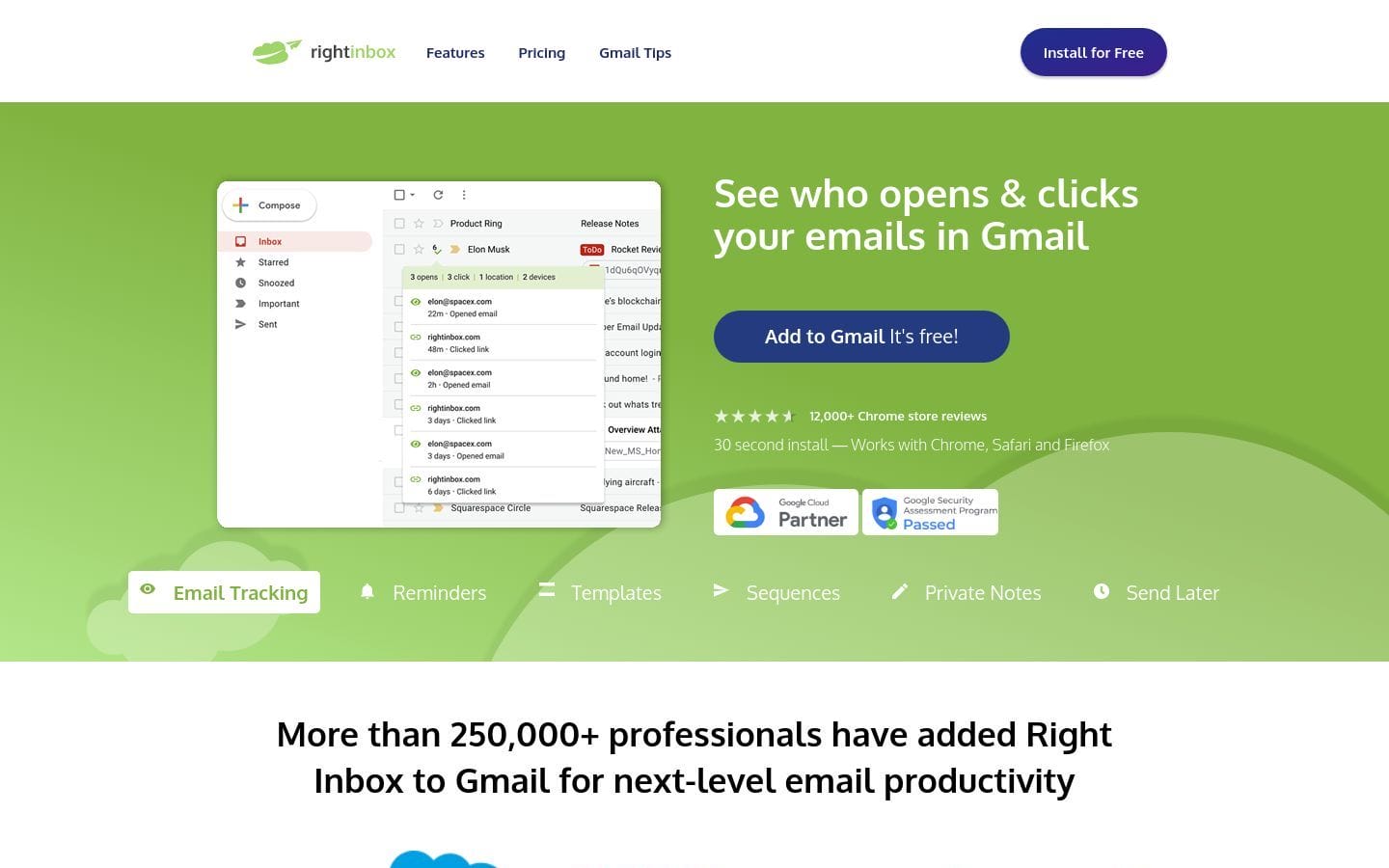
Track the opening and clicking of your emails Another great feature of RightInbox is the ability to track the opening and clicking of your emails.
This is a great way to see which of your emails are getting the most attention.
To track the opening and clicking of your emails, open the email and click the “Track Email” button.
From there, you can choose the recipients you want to track and the email subject.
About Us

Aslam.ai
Aslam.ai is the world's best curated list of the tools on the internet. Whether you're looking for a new AI tool, reviews, news, We're here.
-

-

-

-
 2 years ago

Latest Comments 0 Responses